 KeepNote
中文 | English
Lists: groups, reminders, widgets
About two minutes
1. The Lists tab: groups on top, entries below
Same shape as the receipt vault — you first see the groups, then tap into one.
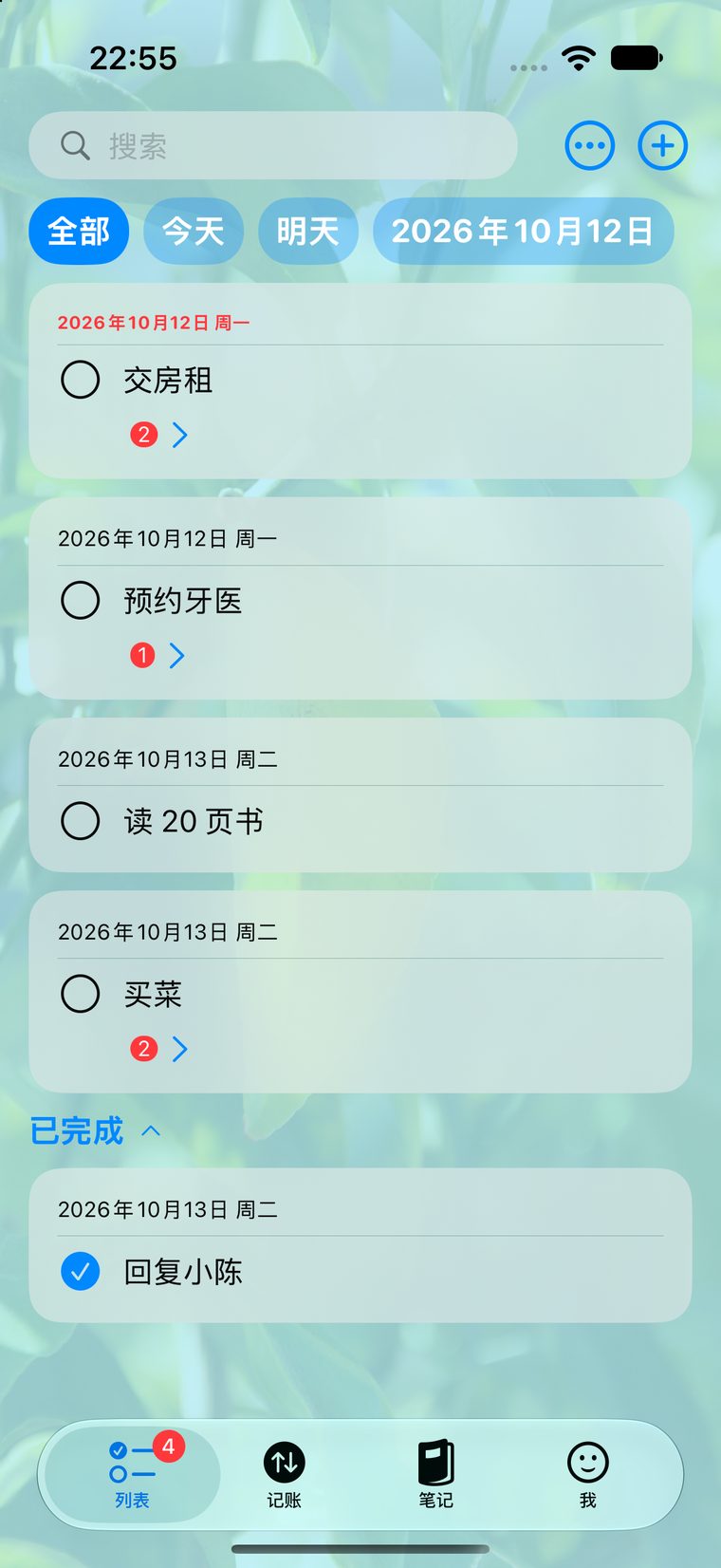
Today at the top, groups below
2. A task can hold sub-tasks
Open a task to break it into sub-tasks, set a due time and add notes. Sub-tasks have their own completion state.
3. Reminders
When you set a due time you can turn on a reminder — from five minutes to a day ahead. You can mark it done or snooze straight from the notification, without opening the app.
4. Home Screen widgets
Long-press the Home Screen → + in the top left → search for KeepNote. The widget shows what is due today, and tapping it opens the app.
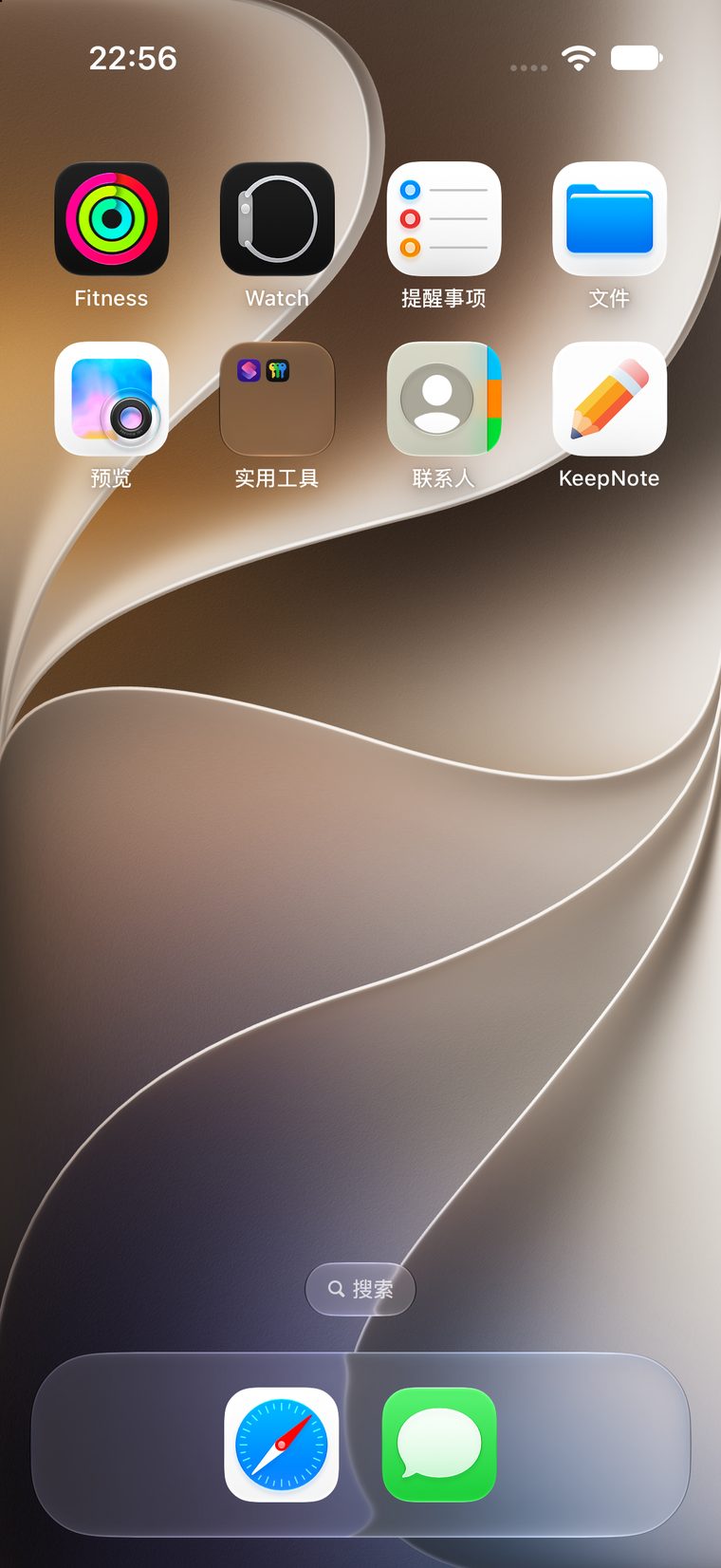
Widget: today at a glance, without opening the app
Reminders out of sync? If you switched phones or reinstalled, the system may have lost
the pending notifications (notifications do not travel through iCloud). The app reconciles them
when it opens — if the UI says reminders are on but nothing fires, just reopen the app.