 KeepNote
中文 | English
Notes: rich text, ink, PDF
About two minutes
1. The Notes tab
Organised by group, like lists and bookkeeping. Switch groups from the sidebar or the top.
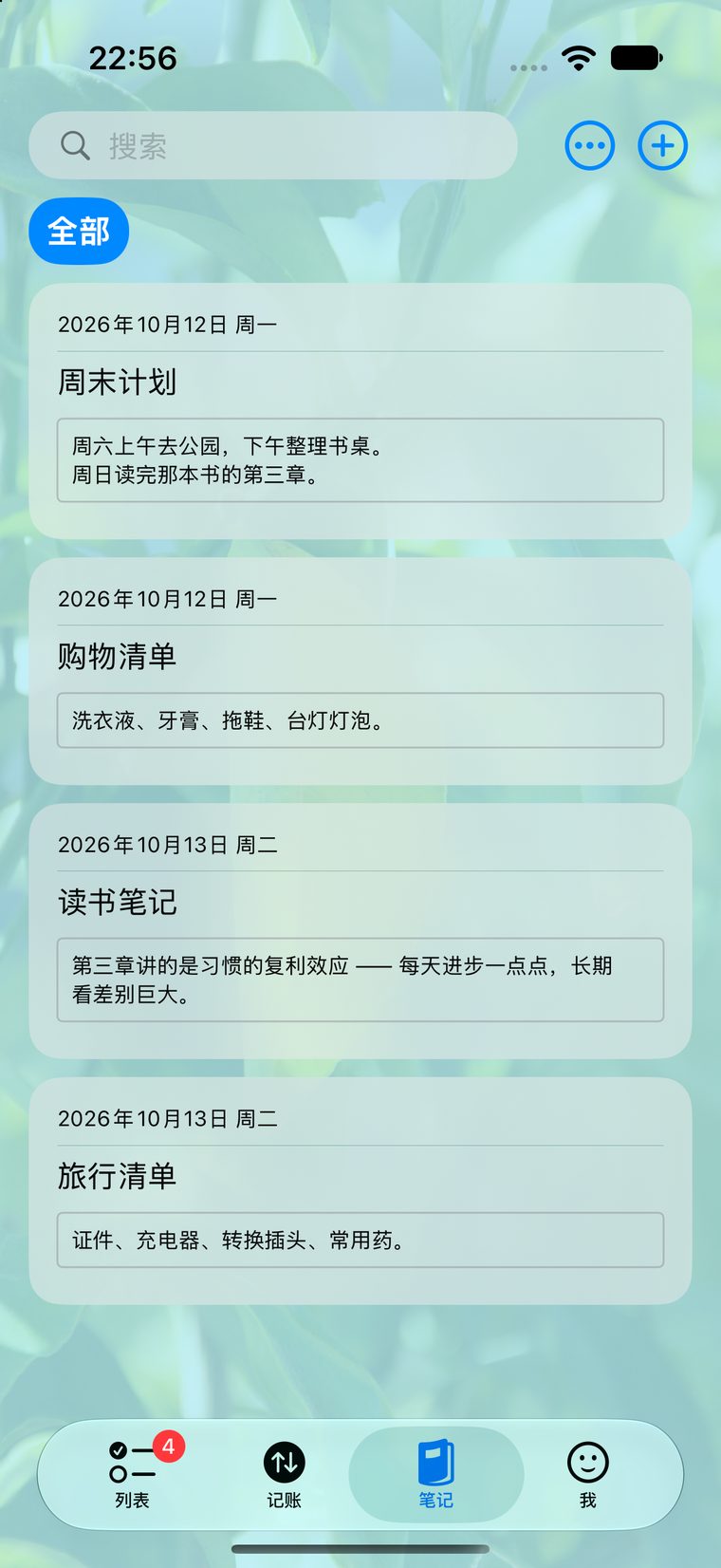
Notes: grouped, and searchable
2. Rich text
Font, size, colour, underline, bold, italic, and ordered or unordered lists. The toolbar appears above the editor or when you select text.
3. Ink and images
Apple Pencil drawing (best on iPad), and images you can drop in directly. Sketches are saved as part of the note.
4. Export to PDF
Notes → ⋯ → Export PDF. Good for sending something to someone, or keeping a copy on paper.
A note can be attached to a task or a ledger entry.
That is one of the more unusual things about KeepNote — pin the photo of an invoice to
its bookkeeping entry, or a meeting note to the task it belongs to. The entry point is
under ⋯ on the task or entry.